
Blog
Yardbook Reviews 2026: What Lawn Care and Landscaping Pros Really Say
Research compiled November 13, 2026 (America/New_York). Software pricing and app features change; always verify live plan terms before subscribing.
Ask a group of solo lawn care operators on Reddit how to stop running their business off paper notebooks and text messages without spending $200 a month on software, and one name comes up in almost every thread: Yardbook.
Unlike generic field-service platforms built for plumbers and electricians, Yardbook (yardbook.com) was built specifically for the green industry—and its claim to fame is a permanent $0 Starter tier that lets a one-truck operation manage customers, map basic routes, and send Stripe invoices without a monthly subscription bill.
The real question for a growing lawn and landscape business in 2026 is where that free tier shines, where the hidden friction points show up in daily field work, and when a crew outgrows it.
This review digest synthesizes public contractor feedback across Capterra, G2, Google Play, Software Advice, and landscaping operator threads on Reddit (r/landscaping and r/LawnCarePros).
How Yardbook works & 2026 pricing tiers
Yardbook operates on a freemium software-as-a-service (SaaS) model tailored to residential lawn care, chemical application, and small landscaping crews:
| Tier | Monthly Price | What is included | The catch Pros point out |
|---|---|---|---|
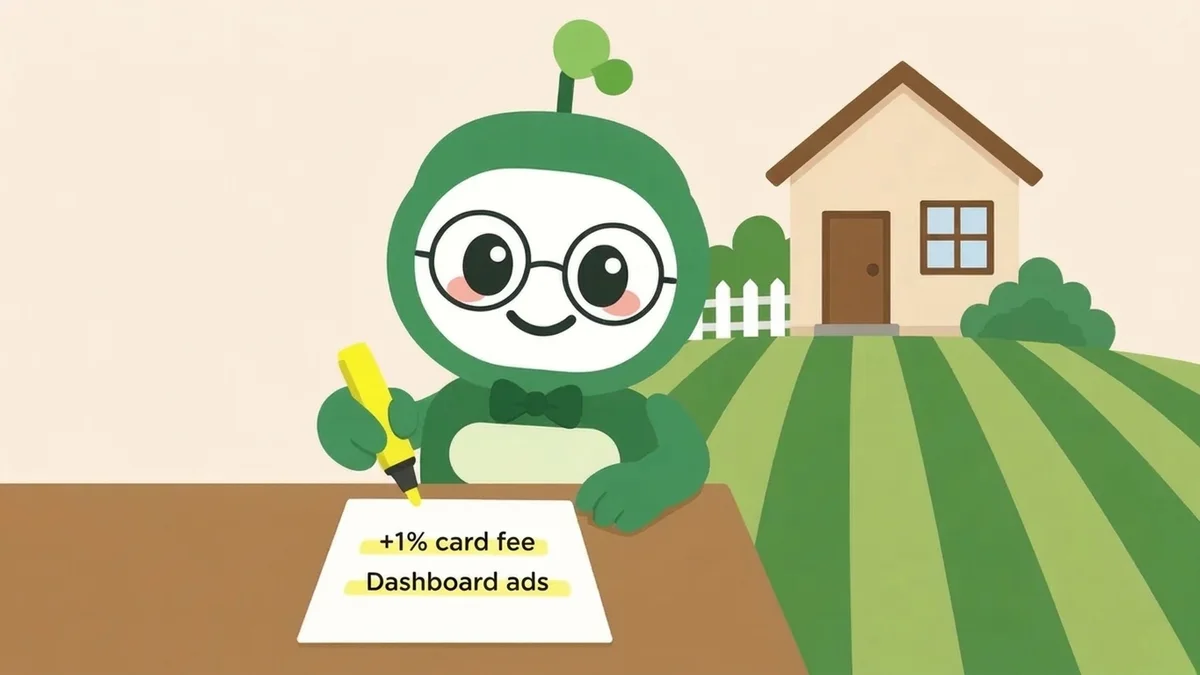
| Starter Plan | $0 / mo | Customer CRM, job scheduling, basic route optimization, estimates, invoicing, equipment maintenance logs, and chemical tracking | Ad-supported interface; charges an extra ~1% platform fee on top of Stripe’s standard card processing rates |
| Business Plan | $34.99 / mo | Everything in Starter + bulk emailing, automated payment reminders, and 0% extra Yardbook surcharge on Stripe card payments | Still lacks QuickBooks sync and deep multi-crew GPS compliance |
| Enterprise Plan | $49.99 / mo | Everything in Business + QuickBooks integration, branded customer portal, advanced permissions, and removal of platform ads | Desktop UI and mobile app experience remain the same as lower tiers |
Ratings summary by platform (2026 snapshot)
Unlike consumer marketplaces such as LawnStarter or Angi, Yardbook is B2B contractor software—so its review footprint lives on software aggregators, Google Play, and trade forums rather than consumer BBB complaint boards.
| Platform | Rating (as seen) | Volume / Scope | Dominant contractor sentiment |
|---|---|---|---|
| Capterra | 4.5 / 5 | ~150+ verified contractor reviews | Praised as the best value-for-money starter CRM for solo lawn operators |
| G2 | 4.6 / 5 | Small-business field service segment | High marks for ease of invoicing and green-industry calculators; lower marks for UI design |
| Google Play Store (Android) | 4.5 / 5 | 1,800+ ratings | Solid field companion for Android users tracking daily stops and clock-ins |
| Apple iOS Ecosystem | Mixed / Limited | Web-wrapper & beta history | Frequent complaint from iPhone owners who rely on mobile Safari instead of a native iOS app |
| Customer Support | Email Ticket Only | support@yardbook.com (~24h response) | Helpful email replies, but no live phone support when an invoice or route breaks mid-day |
What lawn care pros love about Yardbook

Across hundreds of five-star Capterra reviews and Reddit recommendations, positive feedback clusters around four practical strengths:
1. A genuinely usable free tier (not a 14-day trap)
Competitors like Jobber, Housecall Pro, and Service Autopilot give you a 14-day trial before locking your customer list behind a $69 to $229+ monthly paywall. Yardbook’s Starter plan lets a brand-new operator run their first 30 to 50 yards at $0/month in fixed software overhead.
2. Built for grass, mulch, and fertilizer—not plumbing
Contractors repeatedly highlight green-industry specifics that generic CRMs miss:
- Built-in material calculators for bark mulch, topsoil, gravel, and stone.
- Chemical and fertilizer application logs (tracking EPA registration numbers, wind speed, target pests, and application rates for state compliance).
- Equipment maintenance tracking tied to mower engine hours.
3. Cards on file via Stripe
Solo operators moving away from paper checks and Venmo praise how easily Yardbook connects to Stripe, allowing them to store a homeowner’s card on file and batch-charge weekly or bi-weekly mowing routes.
4. Matrix and property-based pricing tables
Yardbook allows contractors to import or measure lot square footage and set up a price matrix so estimates follow consistent per-thousand-square-foot rules.
Top 6 complaints reported by contractors
When landscaping owners leave critical reviews or explain why they switched away from Yardbook, the same six operational bottlenecks appear almost word for word:
1. The iPhone (iOS) vs. Android mobile gap
This is the #1 complaint in Reddit contractor threads. Yardbook was engineered as a desktop web application first, with a functional Android companion app. Contractors who carry iPhones report that iOS support has historically lagged behind in beta or required logging into the desktop website through mobile Safari with tiny buttons in the sun.
2. The hidden 1% Stripe surcharge on the "Free" plan
While the Starter tier has no monthly subscription fee, Yardbook adds an extra ~1% transaction fee on top of Stripe’s standard processing fee (2.9% + $0.30). Once a solo operator processes $3,500+ per month in client cards, that extra 1% surcharge costs more than paying for the $34.99/month Business plan.
3. A dated, cluttered 2010s user interface
Even loyal users admit Yardbook’s dashboard looks like early-2010s web software. Settings are buried across deep menus, and free-tier users see sponsored advertisements inside their work dashboard.
4. Basic routing that ignores live traffic
Yardbook includes a basic map router, but multi-crew operators note that it optimizes by straight-line proximity rather than real-time traffic bottlenecks, bridge closures, or time-of-day turn restrictions—sometimes dragging a truck and 16-foot trailer through congested commuter corridors.
5. Email-only customer support
Because Yardbook serves tens of thousands of free-tier accounts with a lean team, there is no live phone support line. Support runs through support@yardbook.com. Most reviewers say email replies arrive within 24 hours, but if QuickBooks sync fails on Friday afternoon, you are waiting on a ticket.
6. Zero customer leads & zero phone answering
Like Jobber and Housecall Pro, Yardbook is purely a back-office filing cabinet. It does not bring a single homeowner quote request to your truck, and it cannot answer your business phone when a homeowner calls while you are running a zero-turn mower or backpack blower.
Head-to-head: Yardbook vs. Jobber vs. My Green Robot
For Rhode Island lawn and landscape crews comparing software options for the 2026 season, here is how the numbers and capabilities stack up:
| Capability | Yardbook | Jobber | My Green Robot |
|---|---|---|---|
| Monthly Software Plans | $0 (Starter) / $34.99 / $49.99 | $39 to $199+/mo | $0 / mo (Starter) or $49 / mo (Pro AI Crew) |
| Extra Card Surcharge on Free Tier | +1% fee on top of Stripe | Standard processor fee | 0% platform surcharge |
| Local Homeowner Leads Included | ❌ None | ❌ None | ✅ Included ($0 lead fee, 0% commission) |
| 24/7 AI Voice Phone Receptionist | ❌ None | ❌ Paid add-on | ✅ Included on your business line |
| Instant Satellite Turf & Lot Measuring | Manual polygon drawing | ❌ Requires 3rd-party integration | ✅ Calibrated per-sq-ft Price Book |
| Mobile Experience (iOS & Android) | Android app; iOS relies on web | Native iOS & Android | Fast mobile-first web & PWA on any phone |
| 1-Tap "On My Way" Homeowner Alerts | Basic email/SMS (paid tiers) | Included | ✅ Included with live Yard Board sync |
The bottom line: Should your crew use Yardbook?
- Choose Yardbook if: You are a solo operator on an Android phone who already has a full roster of clients, wants chemical-application logging at $0/month, and prefers doing administrative invoicing on a home desktop computer at night.
- Choose My Green Robot if: You want a modern $0 or $49/month operating system that works seamlessly on both iPhone and Android, measures Rhode Island properties by satellite using your exact per-square-foot price book, answers missed homeowner calls 24/7 with an AI dispatcher while you mow, and sends real local homeowner jobs directly to your route with $0 lead fees and 0% commission.
Compare the full feature breakdown on our Yardbook vs. My Green Robot comparison page, or open your crew software desk to calibrate your satellite price book in 60 seconds.
FAQ
Is Yardbook really free for lawn care businesses?
Yes. Yardbook’s Starter tier is $0 per month and includes core CRM, scheduling, and invoicing. However, the free tier displays sponsored ads and adds an extra 1% platform fee on top of standard Stripe credit card processing fees.
How much do Yardbook’s paid plans cost in 2026?
Yardbook’s Business plan is $34.99/month (waiving the extra 1% card fee and adding bulk email tools), and the Enterprise plan is $49.99/month (adding QuickBooks sync, a branded customer portal, and ad removal).
Does Yardbook have an iPhone (iOS) app?
One of the most frequent complaints on Reddit and software review boards is that Yardbook is built primarily for desktop browsers and Android. Many iPhone-using landscapers log in through mobile Safari instead.
Does Yardbook bring you new lawn care leads?
No. Yardbook is a back-office management tool for existing customers. It does not generate homeowner leads or answer your phone while you are mowing.
How does Yardbook compare to My Green Robot?
Yardbook is a back-office calendar and invoicing tool. My Green Robot combines a $0-to-$49/month contractor operating system with satellite turf measurement, a 24/7 AI phone receptionist, and direct Rhode Island homeowner job requests with $0 lead fees.